Recording
Recording Your Podcast
The complete hub for recording clean audio — room treatment, software, remote guests, and the technique that makes the difference.
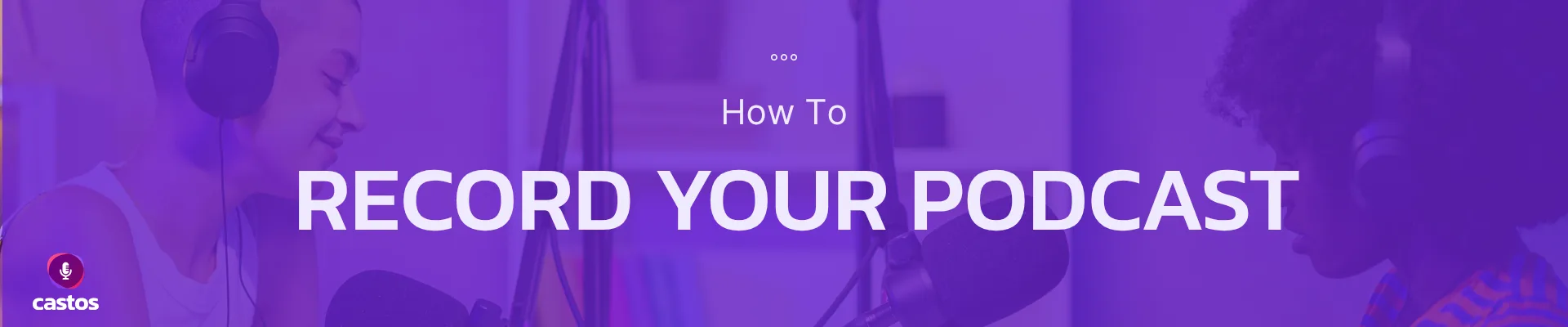
Clean recordings come from a handful of decisions you make before you ever hit record. Our flagship guide, 22 podcast recording tips for polished episodes, is the shortlist worth bookmarking; the guides here go deeper on the choices that matter most.
Pick the right recording software for how you actually work, sort your microphone setup, and — the highest-leverage move of all — give your room some acoustic treatment. Recording with guests in other cities? How to record a podcast remotely covers the tools and the gotchas.
After that it comes down to habits: how to record your first podcast, the mic technique that tames pops and plosives, batch recording to stay ahead of your schedule, and even how to speak slowly enough for listeners to follow.
Recording sits between the gear and microphone you choose on one side and editing on the other, so work through those hubs as you go. When the episode’s ready, Castos handles hosting and distribution to every app.
Flagship Guide
22 Podcast Recording Tips for Polished Episodes
Our flagship recording playbook — the tips that turn good audio into great audio, drawn from thousands of episodes our customers have produced on Castos.
Read the guideRecording Foundations
The four foundational guides every podcaster should read before recording.
Sub-Topic
Best Podcast Recording Software
7 tools we trust — from Audacity and Audition to Riverside and SquadCast.
Read guideSub-Topic
Acoustic Treatment for Podcasting
7 tips to kill reverb in any room without spending a fortune.
Read guideSub-Topic
How to Record a Podcast Remotely
Tools and workflows for interviewing guests anywhere in the world.
Read guideSub-Topic
Podcast Microphone Setup
How to position your mic, set your gain, and prep your recording space.
Read guideSetup & Technique
How-tos and accessory guides to lock in your recording workflow.
- How-To How to Record Your First Podcast
- How-To Top 11 Podcast Mic Techniques for New Hosts
- How-To How to Batch Record Episodes
- How-To How to Invite Someone to an Interview
- How-To How to Speak Slowly on Your Podcast
- Accessory The Best Pop Filters for Smooth Podcast Audio
Pop filter not solving plosives? Bigger issue is usually mic technique — check the techniques guide above.
Frequently Asked Questions
What is the best software to record a podcast?
How do I record a podcast with a remote guest?
Why does my podcast sound echoey or hollow?
How loud should my podcast audio be?
Should I record on cloud or local?
Recording is done. Time to host.
Unlimited episodes, advanced analytics, private feeds, and built-in YouTube distribution — try Castos free for 14 days.
Get gear tests & growth tactics in your inbox
Actionable podcasting tactics, gear tests, and growth playbooks — no fluff, no spam.