Free RSS Feed Validator
Check your podcast RSS feed for errors and warnings before submitting to Apple Podcasts, Spotify, and other directories.
Paste your podcast RSS feed URL to check it for errors and warnings.
Checks your feed against Apple Podcasts, Spotify, and Podcast 2.0 requirements. Nothing is stored.
Checking your feed…
We couldn't check that feed
RSS Feed Health Report
301 Redirect Detected
The feed URL you entered has permanently moved. All results below are based on the redirected feed.
Entered URL:
Redirected to:
Server Configuration
HEAD Request Support
Byte-Range Request Support
Feed is served over HTTP
For better security and compatibility, consider serving your RSS feed over HTTPS.
Byte-Range Requests Not Supported
This RSS feed is invalid because one or more resources do not support byte-range requests. Byte-range request support is required by podcast directories and apps to efficiently download and stream episodes.
Cover Image
Feed Information
Missing Apple Podcasts/iTunes namespace
This feed does not contain the Apple Podcasts/iTunes namespace and may be considered invalid by podcast directories and apps.
Podcast Title
Description
Podcast-Level Validation
Everything looks good, no issues found.
View validation details
Required Tags Checked
Recommended Tags Checked
Episode-Level Validation
Duplicate Detection
Everything looks good, no issues found.
View validation details
Episode Fields Validation Results
<title>: Required, must have value<enclosure>: Required, must have valid URL and be unique<guid>: Required, must be unique<pubDate>: Recommended, must be valid RFC 2822 date<itunes:duration>: Recommended<itunes:explicit>: Required, must be "true" or "false"<itunes:episode>: Recommended for episodic shows<itunes:season>: Recommended for episodic shows<itunes:episodeType>: Recommended (full, trailer, bonus)
File Type Notice
Unsupported File Types
The following episodes use this file type:
🔒 Feed is Locked
This podcast feed contains the podcast:locked tag, which indicates that the feed is locked to prevent unauthorized imports to other hosting platforms.
What this means: The podcast host has locked this feed to protect against unauthorized redistribution or hijacking.
Need to migrate? If you need to migrate this show to a new host, you'll need to follow your current podcast host's instructions for unlocking the RSS feed.
Trusted by 42,000+ podcasts, including shows from


How To Use This RSS Validator
- Step 1
Paste Your Feed URL
Enter your podcast's RSS feed URL and click Check My Feed. Your feed is fetched and checked in seconds, and nothing is stored afterward.
- Step 2
Review The Report
See a full breakdown covering server checks, your cover image, podcast details, and every episode issue, laid out in one report instead of scattered across tabs.
- Step 3
Fix What's Flagged
Each error and warning comes with a specific suggestion, so you know exactly what to change before you submit your feed to a directory.
Catch Problems Before A Directory Does
Apple Podcasts, Spotify, and other directories reject feeds that don't meet their technical requirements, often with an error message that doesn't explain what's actually wrong. This RSS validator checks your feed against those same requirements before you submit, so you find out about a missing tag or an undersized cover image from a clear report instead of a bounced submission.
Built On The Same Rules Directories Use
Every check maps to a real, published requirement: Apple Podcasts' tag and image specs, Spotify's episode requirements, and the Podcast 2.0 namespace. None of it is guesswork. Required tags, recommended tags, duplicate GUIDs, unsupported audio formats, and byte-range support are all checked the way a directory's own ingestion process would check them.
Useful For Migrations Too
Moving to a new host? the validator flags a locked feed (podcast:locked) before it becomes a migration problem, follows 301 redirects so you're always validating the feed a directory would actually fetch, and gives you a clean read on your feed's current health either way.
Feed Looking Healthy? Get More From It With Castos
-
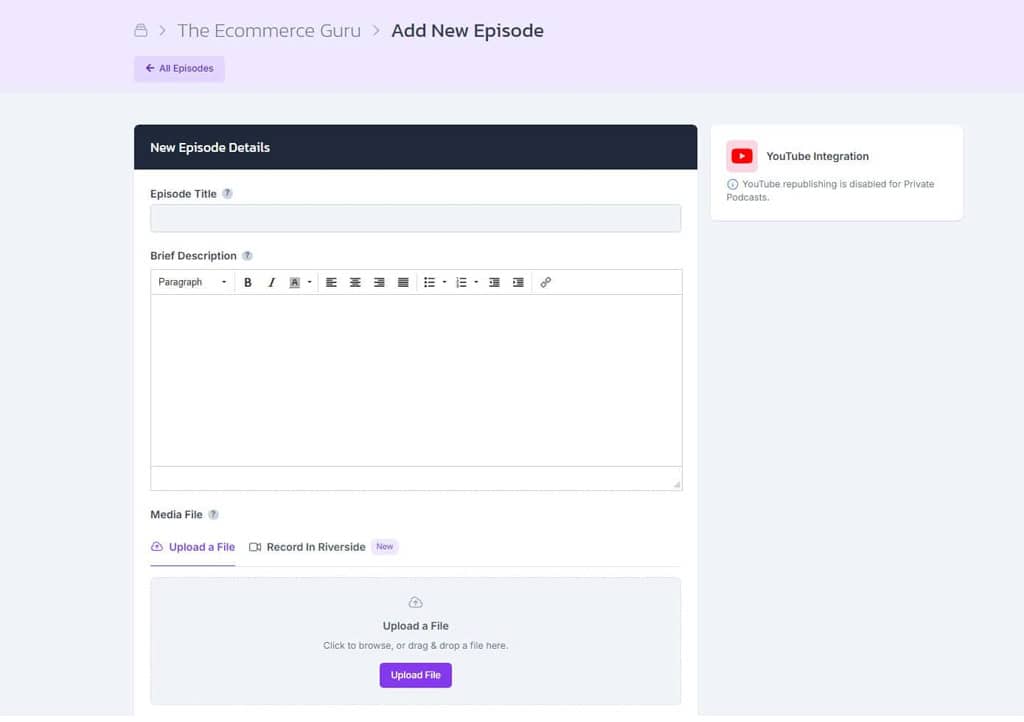
Host Your Podcast
Castos generates a clean, directory-ready RSS feed automatically, handling every required tag, image spec, and Podcast 2.0 field for you.
-
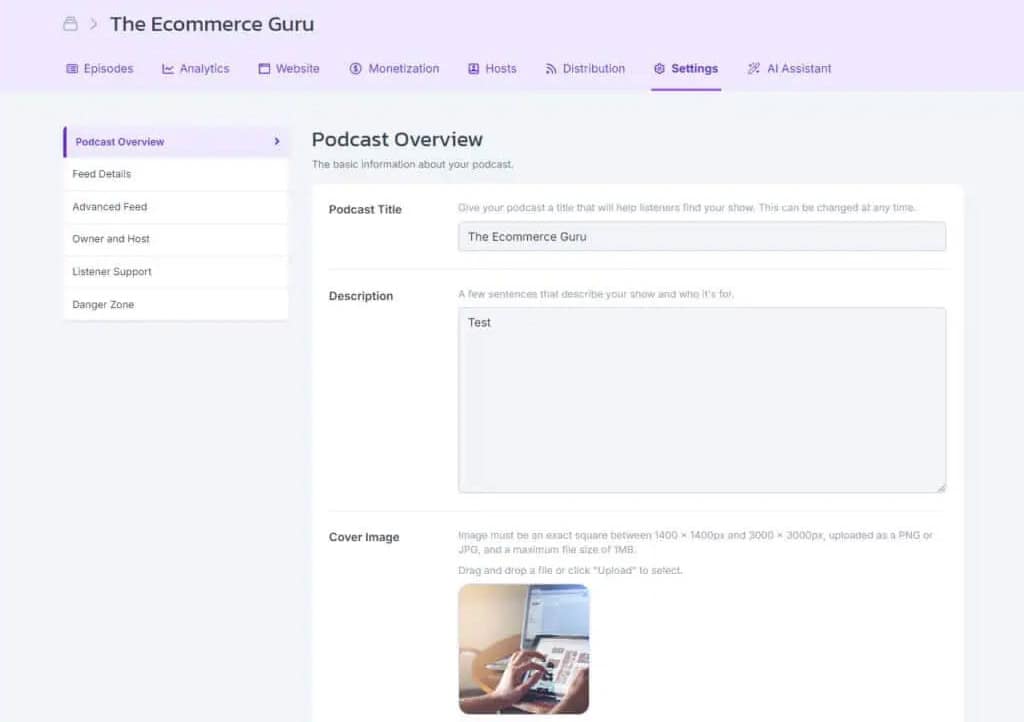
Migrate Without Losing Your Feed
Bring an existing show over from another host. Castos preserves your feed history so your ranking and subscribers move with you.
-
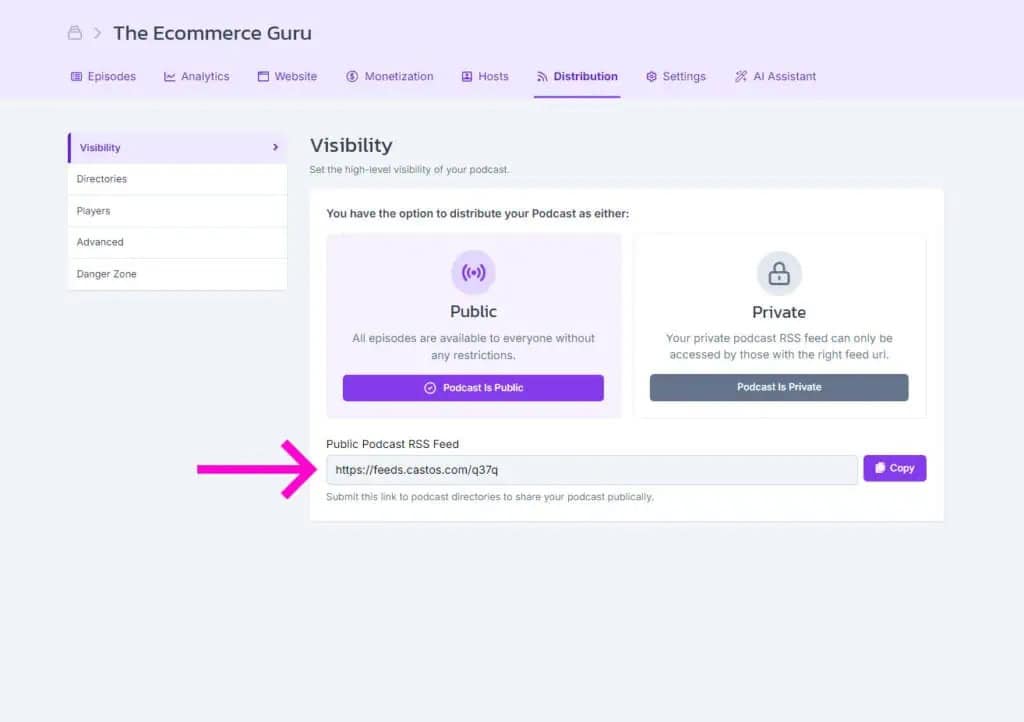
Publish Everywhere
Submit your feed to Apple Podcasts, Spotify, and every other directory once. New episodes distribute automatically after that.
Frequently Asked Questions
What does this RSS feed validator check?
Is my feed uploaded or stored anywhere?
What are the cover art requirements?
Why does it flag my itunes:explicit tag?
What does "feed is locked" mean?
What is byte-range request support and why does it matter?
Do I need to fix every warning?
Related tools
Record and edit audio
Files never leave your browser.
- Voice Recorder Record, pause, and export a podcast-ready MP3.
- Audio Trimmer Cut the start and end of a recording on a waveform.
- Audio Joiner Combine intro, episode, and outro files into one MP3.
- Audio Converter Turn WAV, M4A, FLAC, and other files into a podcast-ready MP3.
- Audio Speed Changer Speed up or slow down audio without changing the pitch.
- Extract Audio From Video Turn an MP4, MOV, WebM, or MKV video into an MP3 or WAV.
Check your RSS feed
Plan and record
- Podcast Name Generator Get show name ideas with domain availability checks.
- Podcast Episode Planner Plan an episode, then get the guest email, a run sheet, and show notes.
- Microphone Test See your levels, hear how you sound, and check your room for noise.
- Podcast Teleprompter Read your script hands-free while you record on camera.
Design with Dynamo
Podcasting Just Got A Lot Easier
With Castos you're just a few clicks away from starting an impactful podcast for your brand.