Convert Audio To MP3
Convert MP3, WAV, M4A, AAC, OGG, or FLAC to a podcast-ready MP3. Free, private, and entirely in your browser.
Your audio stays on your device. Nothing is uploaded or stored.
MP3 at 128 kbps
Your file will be converted to an MP3 at 128 kbps, the standard bitrate for podcasting.
Preparing the audio converter
The first run loads the converter into your browser. It may take a moment.
0% complete
Your MP3 is ready
Want more free tools like this?
Get our best podcasting tips, new free tools first, and a discount code for Castos. Unsubscribe anytime.
You're in
Check your inbox for a discount code and our best podcasting tips.
Turn this audio into a podcast
Upload it to Castos, publish it everywhere, and get a podcast website automatically.
Start Free TrialWe couldn't convert the audio
Trusted by 42,000+ podcasts, including shows from


How To Convert Audio To MP3
- Step 1
Choose Your Audio
Select a MP3, WAV, M4A, AAC, OGG, or FLAC file from your device. The file stays in your browser and is never uploaded.
- Step 2
Review The File
Preview the audio and confirm it's the right one before converting. There's nothing else to configure.
- Step 3
Convert And Download
Click Convert To MP3 and download a podcast-ready file. The export is fixed at 128 kbps for clear spoken audio and a practical file size.
When You Need A Different Format
A voice memo comes off your phone as M4A. A recording booth exports WAV. A field recorder saves FLAC. Most podcast hosts, editors, and listening apps expect MP3, so the file you have often isn't the file you need. This tool handles that conversion without installing anything or creating an account.
Nothing Leaves Your Device
Most online converters upload your file to a server before they can return anything. This tool loads the converter into your browser instead, so an unreleased interview or a private recording never has to leave your computer. Close the tab and the working files disappear.
Podcast-Ready MP3 At 128 kbps
Every converted file is exported as an MP3 at 128 kbps, a standard podcast bitrate that keeps spoken audio clear at a practical file size. There is no format menu to configure and no extra setting to second-guess before you upload it to a host.
Audio Ready? Publish Your Podcast In 3 Steps
-
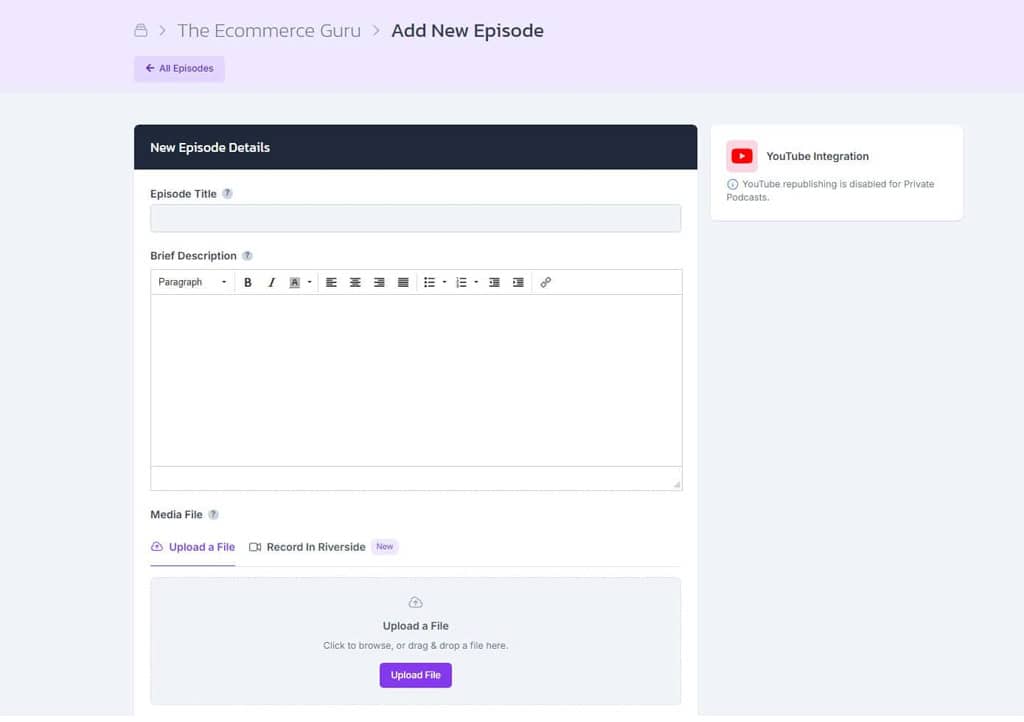
Upload The MP3
Create a show in Castos and upload the converted MP3 with your episode title, description, and artwork.
-
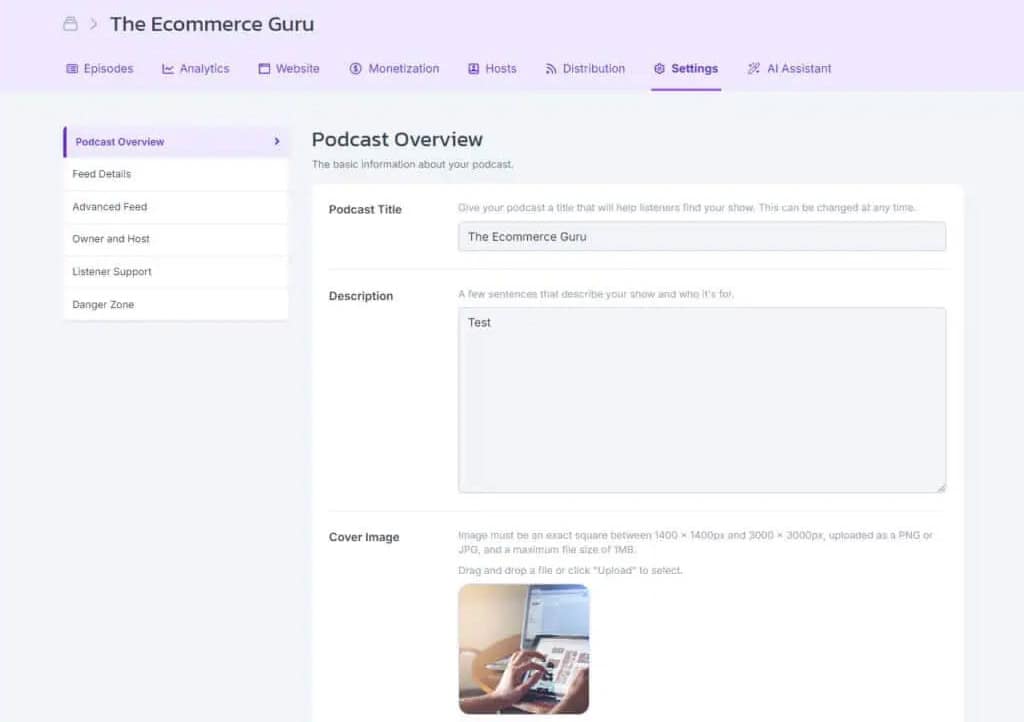
Get Your Feed And Website
Castos creates the RSS feed podcast apps need and a customizable site where listeners can find every episode.
-
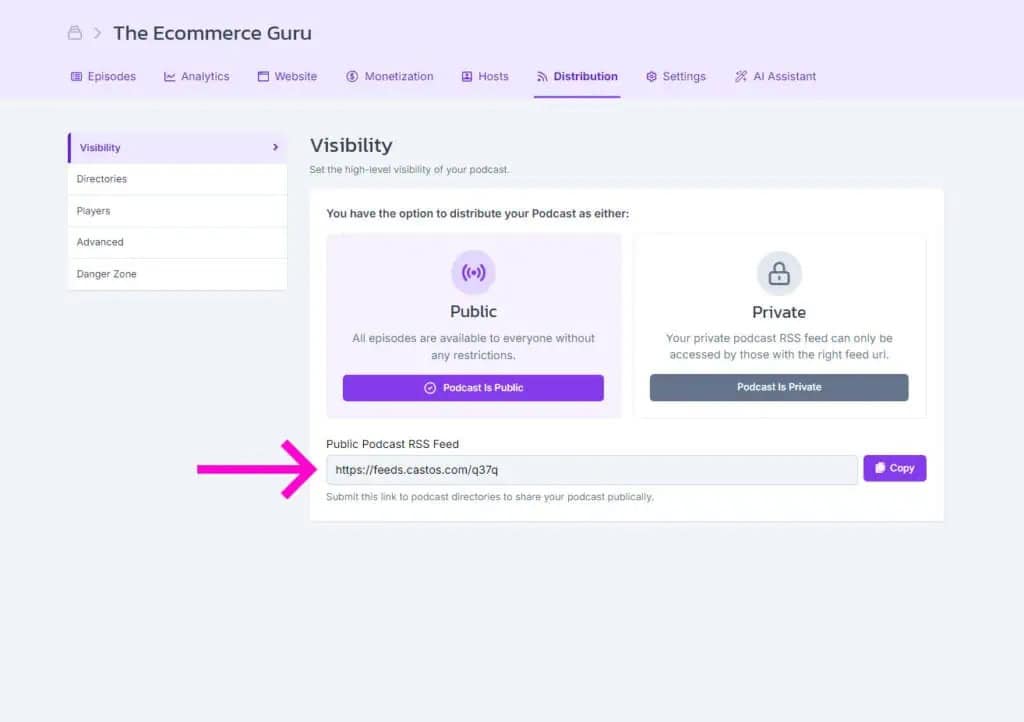
Publish Everywhere
Submit your feed to Apple Podcasts, Spotify, and other directories once. Future episodes are distributed automatically.
Frequently Asked Questions
How do I convert an audio file to MP3?
Is this audio converter free?
Is my audio file uploaded anywhere?
Which audio formats can I convert?
Why is the output always 128 kbps?
Can I convert a video file with this tool?
Publish Your Converted Audio With Castos
Upload your MP3, create your podcast feed, and distribute every episode from one place.