
Change Audio Speed Online
Speed up or slow down any audio file from 0.5x to 2x without changing the pitch. Free, private, and entirely in your browser.
Your audio stays on your device. Nothing is uploaded or stored.
Choose a speed
Anywhere from half speed to double speed.
Original length
0:00New length
0:00MP3 at 128 kbps
Your file will be exported as an MP3 at 128 kbps, the standard bitrate for podcasting.
Preparing the speed changer
The first run loads the speed changer into your browser. It may take a moment.
0% complete
Your audio is ready
Want more free tools like this?
Get our best podcasting tips, new free tools first, and a discount code for Castos. Unsubscribe anytime.
You're in
Check your inbox for a discount code and our best podcasting tips.
We couldn't change the speed
Trusted by 42,000+ podcasts, including shows from


How To Change The Speed Of An Audio File
- Step 1
Choose Your Audio
Select an MP3, WAV, M4A, AAC, OGG, or FLAC file from your device. The recording stays in your browser and is never uploaded.
- Step 2
Pick A Speed
Tap a preset or drag the slider anywhere from 0.5x to 2x. The tool shows the new length right away, and you can preview the result before you commit.
- Step 3
Export And Download
Click Change Speed and download a podcast-ready MP3. The export is fixed at 128 kbps for clear spoken audio and a practical file size.
Faster Or Slower Without The Chipmunk Effect
Speed a recording up the simple way and voices climb in pitch, like a tape running fast. Slow it down and they drop into a drawl. This tool keeps the original pitch by default, so a speaker still sounds like themselves at 1.25x or 0.75x. If you want the tape-speed sound on purpose, turn off Keep the original pitch before you export.
Good Uses For A Speed Change
Speed changes work best on short, specific pieces of audio. An ad read that runs 33 seconds can fit a 30-second slot at 1.1x. An intro that was read a little too slowly can be tightened without re-recording it. Slowing a clip to 0.75x makes it easier to transcribe a fast talker or pick out a word you missed. Small adjustments are the hardest for listeners to notice, so start near 1x and move out only as far as you need.
Leave Episode Speed To Your Listeners
Most podcast apps already let listeners pick their own playback speed. If you speed up a full episode to make it shorter, anyone who already listens at 1.5x will hear it faster still. For a shorter episode, editing out tangents and dead air usually sounds better than a blanket speed change.
Podcast-Ready MP3 At 128 kbps
Every file is exported as an MP3 at 128 kbps. This is a standard podcast setting that keeps voices clear while controlling file size. There is no format menu to configure and no extra setting to second-guess.
Audio Ready? Publish Your Podcast In 3 Steps
-
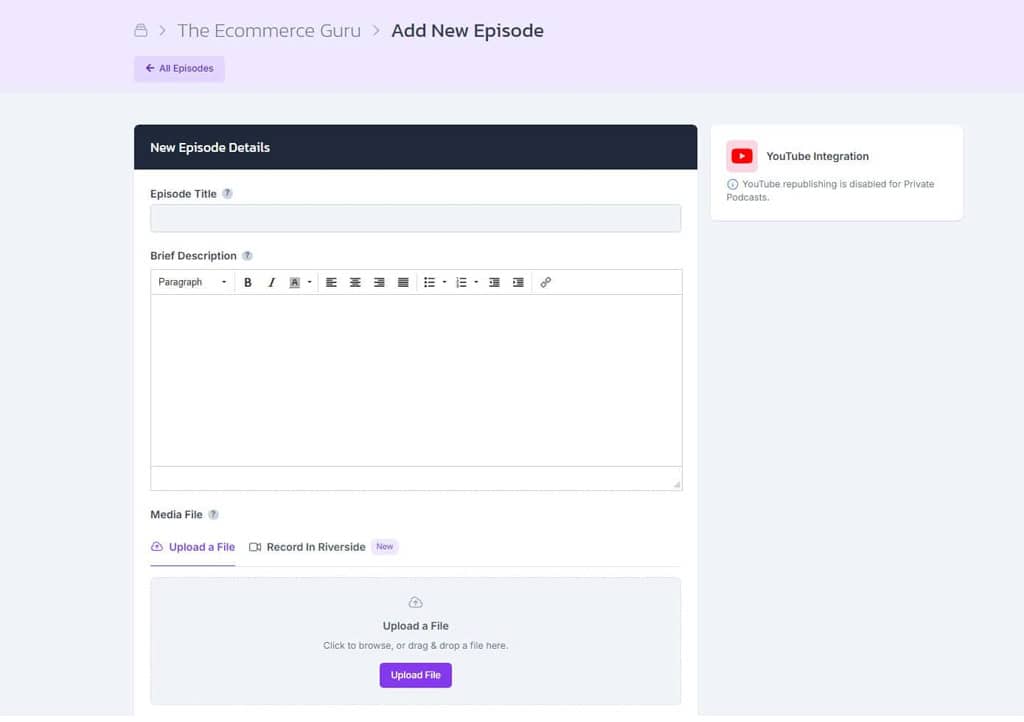
Upload The MP3
Create a show in Castos and upload your MP3 with your episode title, description, and artwork.
-
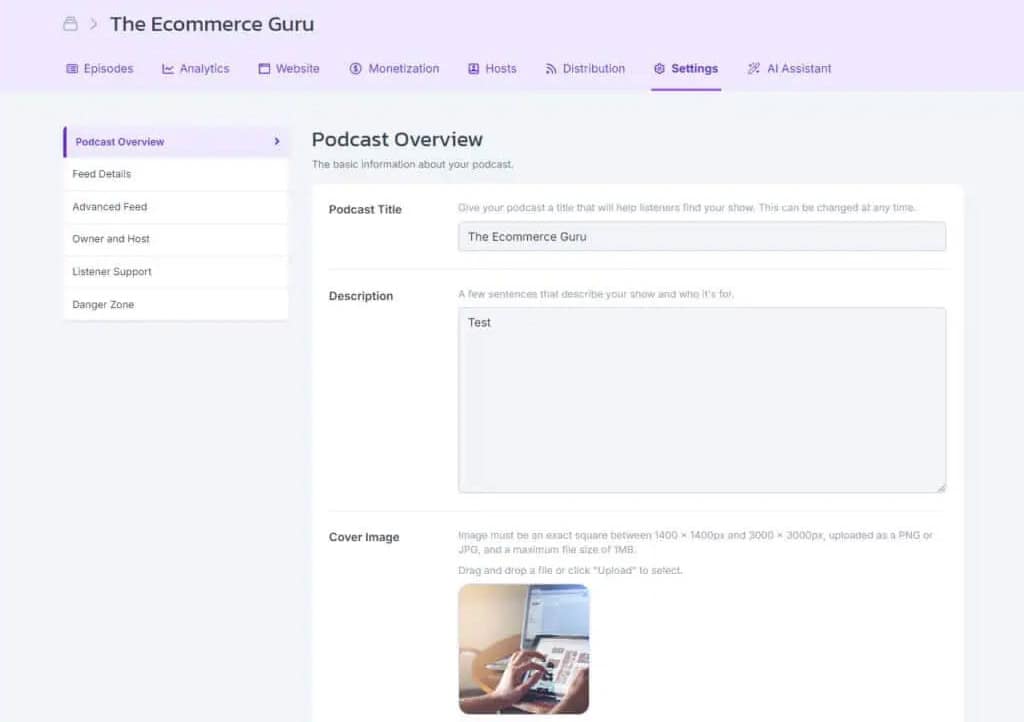
Get Your Feed And Website
Castos creates the RSS feed podcast apps need and a customizable site where listeners can find every episode.
-
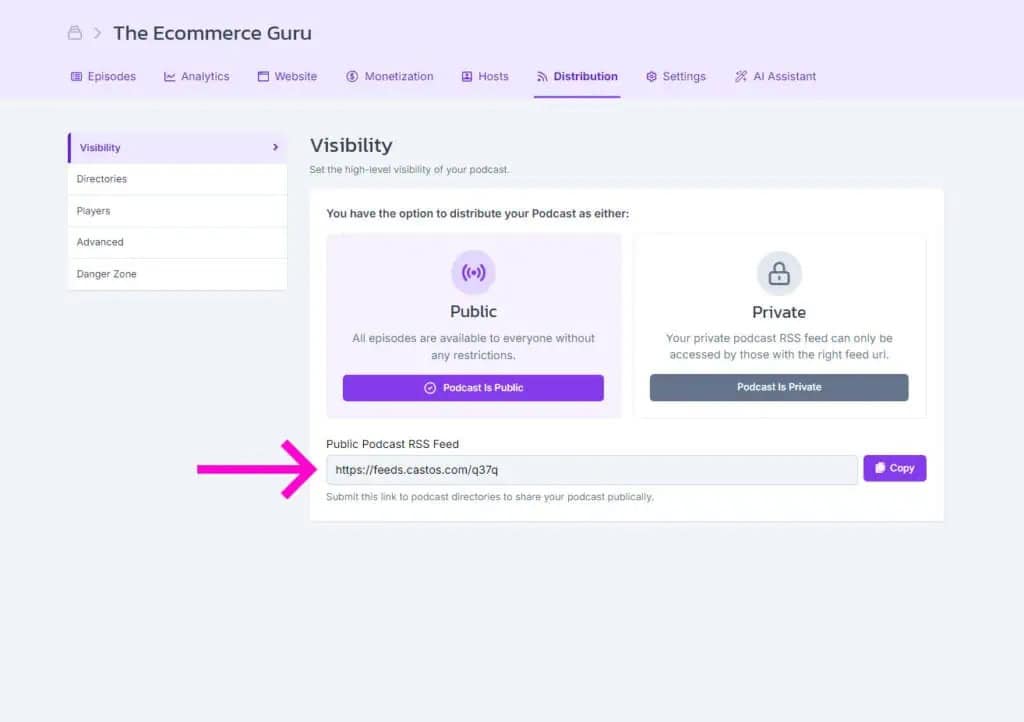
Publish Everywhere
Submit your feed to Apple Podcasts, Spotify, and other directories once. Future episodes are distributed automatically.
Frequently Asked Questions
How do I change the speed of an audio file?
Will changing the speed change the pitch?
How long will the new file be?
Should I speed up my whole podcast episode?
Is my audio uploaded or stored anywhere?
Which audio formats can I use?
Publish Your Audio With Castos
Upload your MP3, create your podcast feed, and distribute every episode from one place.