Podcast Episode Planner
Plan your next episode, then get the guest email, a run sheet for recording day, and a start on your show notes. Free, and your plan stays in your browser.
Want more free tools like this?
Get our best podcasting tips, new free tools first, and a discount code for Castos. Unsubscribe anytime.
You're in
Check your inbox for a discount code and our best podcasting tips.
Ready to publish it?
Upload the episode to Castos, publish it everywhere, and get a podcast website automatically.
Start Free TrialTrusted by 42,000+ podcasts, including shows from


How To Plan A Podcast Episode
- Step 1
Fill In What You Know
Start with the topic and the goal. Fill in the rest as you research. Uncheck the guest box for a solo episode. Your plan saves as you type.
- Step 2
Shape The Episode
Add your questions and talking points, then put the segments in order in the outline, with rough timings.
- Step 3
Use What It Makes
Send your guest the email, take the run sheet into recording day, and start your show notes from the draft. Download the full plan as a Word file or PDF for a co-host or editor.
One Place For Everything About The Episode
Research in one tab, questions in a notes app, and editing instructions in an email make for a stressful recording day. A plan keeps the topic, the guest details, the questions, and the outline together, so you and anyone helping you work from the same page.
Write It Once, Use It Everywhere
The details you put in the plan are the same ones you'd otherwise type again in a guest email, a recording-day outline, and your show notes. The planner builds those for you from what you've already written, and every gap shows up in brackets so you can see what's still missing.
Episode Planned? Publish Your Podcast In 3 Steps
-
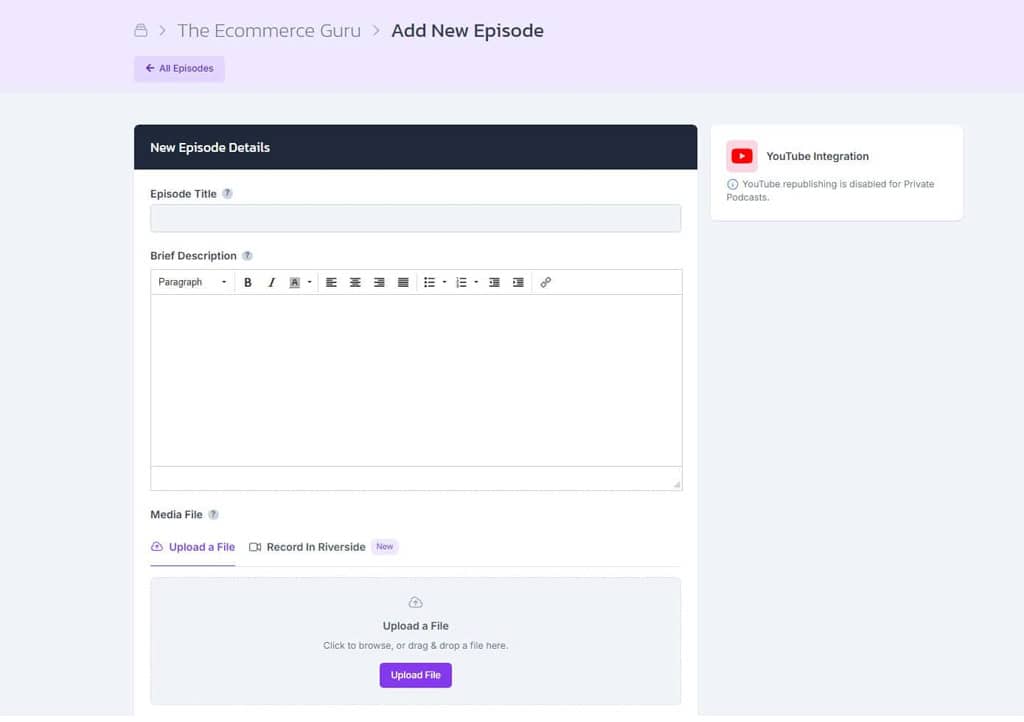
Upload The Episode
Create a show in Castos and upload your recording with your episode title, description, and artwork.
-
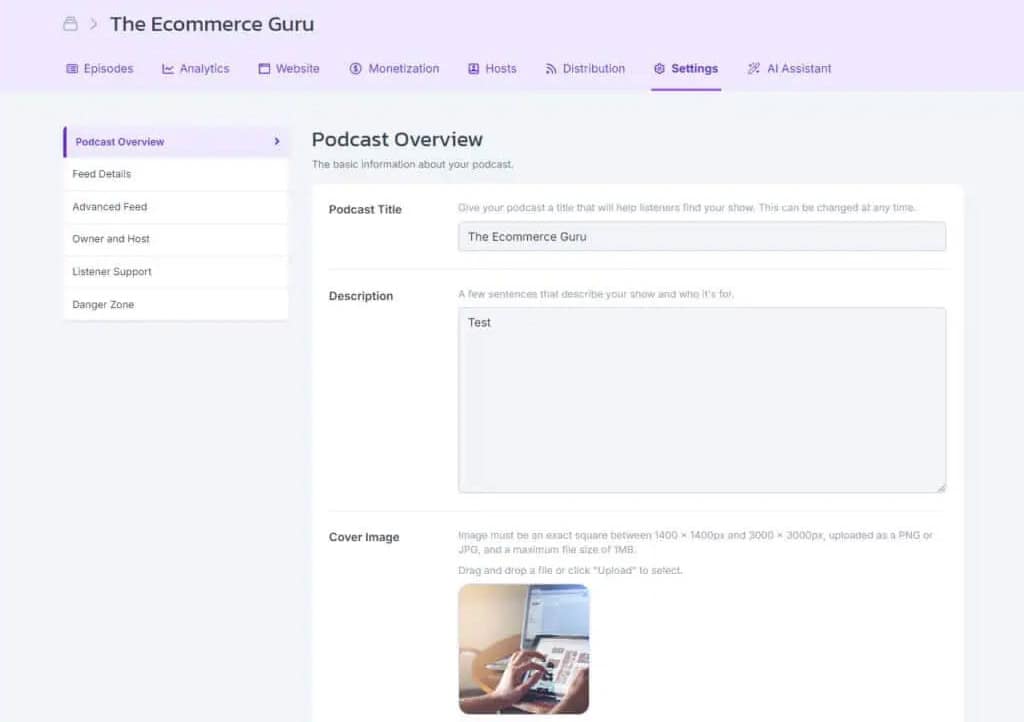
Get Your Feed And Website
Castos creates the RSS feed podcast apps need and a customizable site where listeners can find every episode.
-
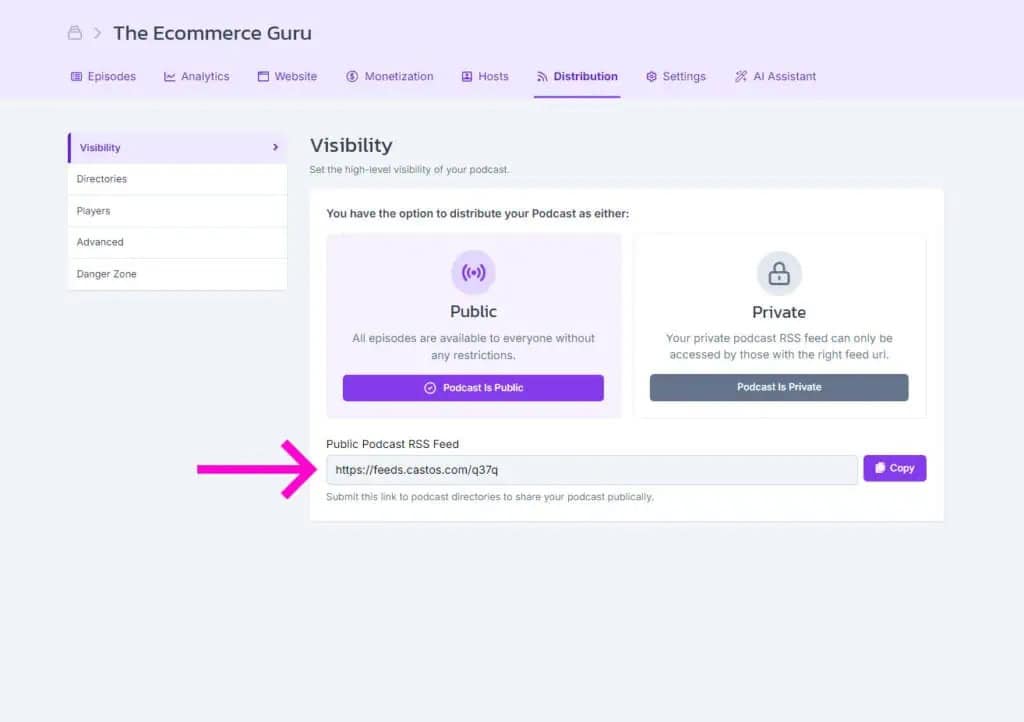
Publish Everywhere
Submit your feed to Apple Podcasts, Spotify, and other directories once. Future episodes are distributed automatically.
Frequently Asked Questions
What should a podcast episode plan include?
Is this episode planner free?
Is my plan uploaded or saved anywhere?
Can I open the plan in Google Docs, Pages, or Notion?
Do I need a guest to use it?
What does the guest email include?
How does the run sheet work out the episode length?
Is there a blank version I can print or share with my team?
Related tools
Record and edit audio
Files never leave your browser.
- Voice Recorder Record, pause, and export a podcast-ready MP3.
- Audio Trimmer Cut the start and end of a recording on a waveform.
- Audio Joiner Combine intro, episode, and outro files into one MP3.
- Audio Converter Turn WAV, M4A, FLAC, and other files into a podcast-ready MP3.
- Audio Speed Changer Speed up or slow down audio without changing the pitch.
- Extract Audio From Video Turn an MP4, MOV, WebM, or MKV video into an MP3 or WAV.
Check your RSS feed
Design with Dynamo
Plan It Here, Publish It With Castos
Upload your episode, create your podcast feed, and distribute every episode from one place.